
AI for Vector Graphics, Logos, and SVG Animations: Tools That Actually Export Clean Paths
A brand identity and motion design guide to generating mathematically clean SVG vector graphics, comparing Recraft AI, Illustrator Text-to-Vector, and programmatic code generation over blurry raster outputs.
- ✓Standard diffusion models output raster PNG pixels; attempting to trace them with auto-vectorizers results in 10,000 messy anchor points and ruined file sizes.
- ✓Specialized vector AI models like Recraft V3 generate native mathematical Bézier paths, layered groups, and infinitely scalable SVG code directly.
- ✓AI-assisted SVG code generation allows frontend engineers to create featherlight, resolution-independent animated icons and Lottie micro-interactions in pure code.
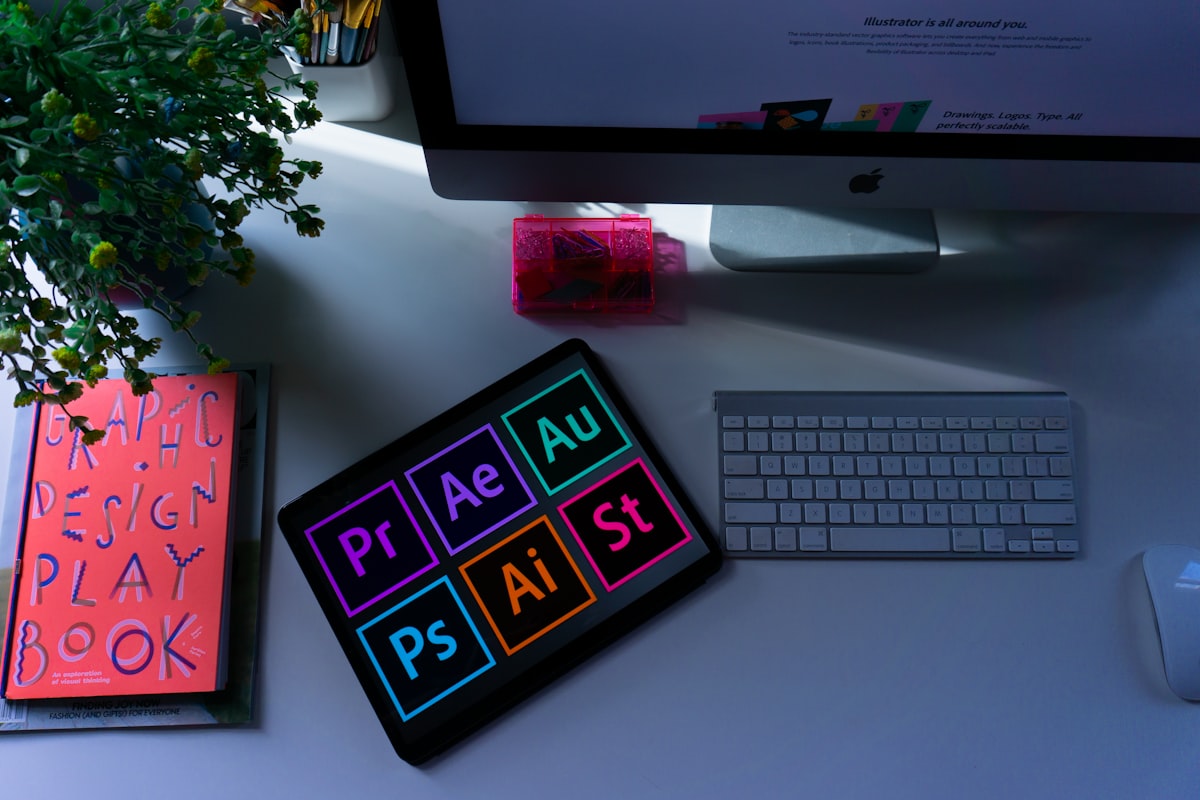
AI for Vector Graphics, Logos, and SVG Animations: Tools That Actually Export Clean Paths
Industry Benchmarks • Architecture Review • FilxTech - AI & Enterprise Web Engineering Labs
1. The Designer’s Nightmare: Why Auto-Tracing Raster AI Fails Miserably
Ask any brand identity designer or frontend engineer about their experience using AI for logo design, and they will recount the same miserable workflow: a marketing manager prompts Midjourney for a "modern minimalist tech logo", downloads a 1024x1024 pixel PNG, and asks the design team to "just convert it to an SVG".
The designer opens Adobe Illustrator, runs Image Trace, and is confronted with a geometric abomination: 12,000 messy anchor points, jagged curves, asymmetrical circles, and a 4MB SVG file that chokes the browser DOM. Standard diffusion models do not understand mathematical geometry; they only know how to denoise RGB pixel grids.
True branding and UI design requires native vector intelligence—models that understand Bézier curves, path nodes, stroke weights, and XML coordinate trees.
2. The Vector Contenders: Recraft V3 vs. Adobe Illustrator Text-to-Vector
Over the past year, two tools broke away from the raster pack to deliver legitimate, production-ready vector assets:
Recraft AI (V3 Vector Engine)
Recraft was engineered from the ground up for graphic designers. Its V3 model generates clean, editable SVGs with minimal anchor points, perfectly grouped layers, and consistent brand palettes.
Adobe Illustrator (Firefly Vector)
Deeply integrated into Illustrator’s desktop workspace. It generates vector subjects, scenes, and patterns directly onto your artboard, allowing immediate manipulation with the Direct Selection Tool (A).
3. Programmatic Vector Generation: Prompting LLMs for Featherlight SVGs
For UI/UX designers and frontend developers building web applications, the cleanest way to generate scalable icons is not through a visual GUI, but by prompting frontier LLMs (like Claude 3.7) to write pure XML SVG code:
<!-- Clean, Hand-Crafted AI-Generated Interactive SVG Icon (Under 1KB) -->
<svg viewBox="0 0 100 100" class="w-16 h-16 group cursor-pointer" fill="none" xmlns="http://www.w3.org/2000/svg">
  <circle cx="50" cy="50" r="45" stroke="#0ea5e9" stroke-width="2" class="group-hover:stroke-cyan-400 transition-colors" stroke-dasharray="4 2" />
  <path d="M35 50L45 60L65 40" stroke="#38bdf8" stroke-width="4" stroke-linecap="round" stroke-linejoin="round" class="group-hover:stroke-emerald-400 transition-colors duration-300" />
</svg>
Because this asset is composed of mathematical coordinates, it weighs less than 400 bytes, loads instantaneously, never blurs on 8K Retina displays, and can be styled dynamically using Tailwind CSS classes.
4. Bridging to Motion: Exporting to Lottie and Web Animations
The ultimate frontier in digital branding is motion. By feeding clean AI-generated SVG paths into modern animation tools like Jitter, Rive, or Lottie, designers create interactive micro-animations that respond to user mouse hovers, scroll depth, and loading events.
Stop forcing raster images into vector roles. By leveraging tools designed specifically for mathematical curves, your digital brand retains surgical sharpness and lightning-fast web performance.
Frequently Asked Technical Questions
Why do Midjourney and FLUX fail at creating vector logos and icons?
Midjourney and FLUX operate in latent pixel space. They generate RGB raster matrices that blur when zoomed in. They have no concept of mathematical Bézier curves, control points, SVG paths, or stroke fills.
How does Recraft AI generate true native SVG vector paths?
Recraft trains foundation models directly on vector syntax and geometry tokens rather than raw pixel patches. It predicts anchor points, curve control handles, and layer hierarchies, outputting clean, editable SVGs with minimal anchor point bloat.
Can AI generate animated SVGs and Lottie files for web interfaces?
Yes. By prompting coding LLMs (such as Claude 3.7 or GPT-4o) with SVG geometry parameters and CSS keyframe animations, developers can generate animated SVG spinners, checkmark success states, and micro-interactions without third-party plugins.

Authored by Israfil Hossain & FilxTech - AI & Enterprise Web Engineering Architects
Chief Executive Officer & Principal Architect
Technology visionary and lead software architect specializing in distributed cloud systems, high-concurrency web architectures, and mission-critical enterprise engineering. Need strategic review on your application roadmap?
Direct inquiry: filxtech.ceo@gmail.com
Execute This Architectural Blueprint
Whether deploying frontier LLM pipelines, autonomous coding agents, or scaling enterprise AI infrastructure, FilxTech - AI & Enterprise Web Engineering delivers battle-tested production software.